
A website
“I want a website for my hair salon with my prices and a WhatsApp button.”
A page with your information, your prices and a direct way for people to write to you.
Tell me what you want and I'll take care of it.
Websites, games, mobile apps and tools for your files, without knowing how to code.
Free to start · Windows 10 and 11
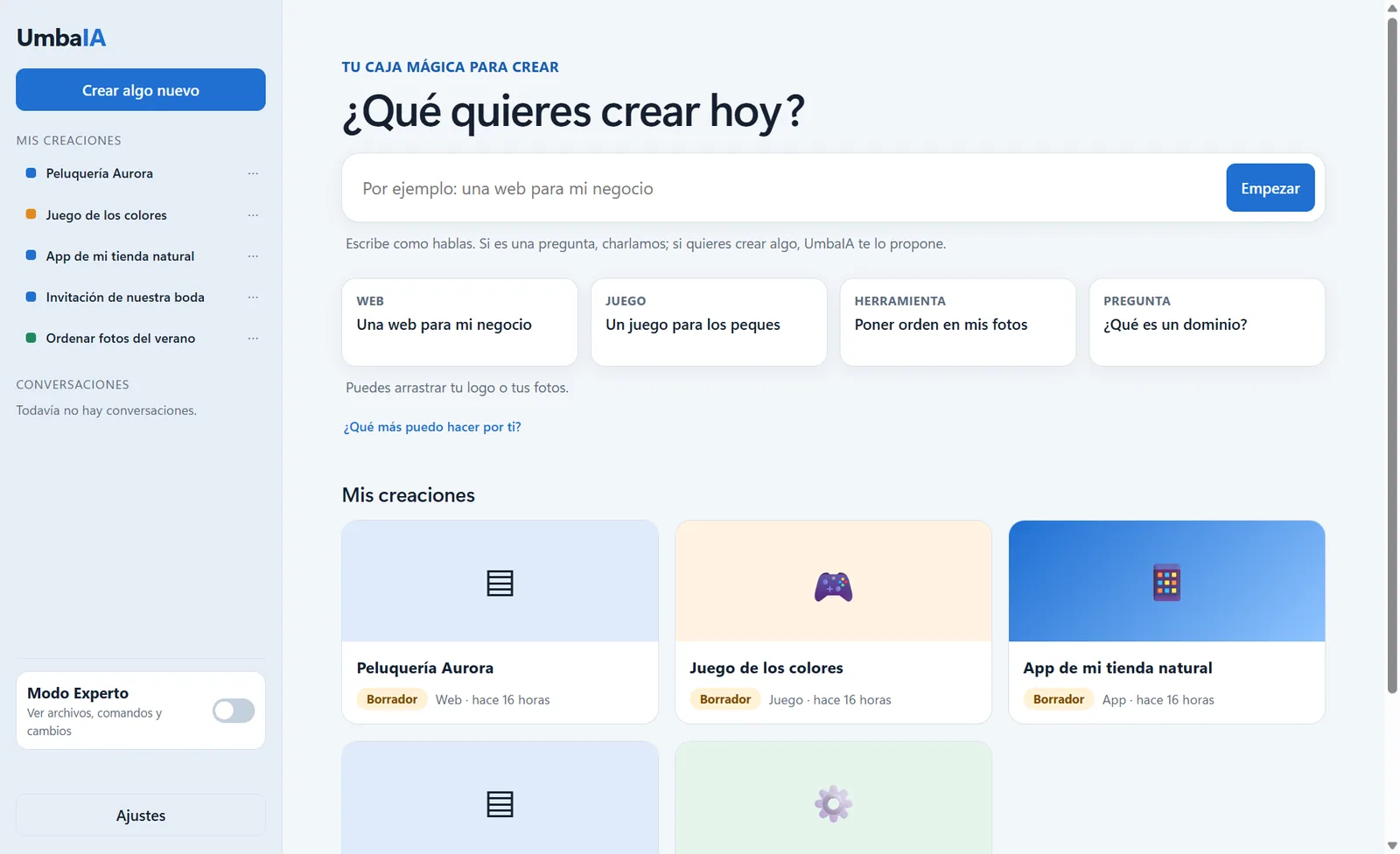
Every change is saved as a version.And you can go back to an earlier one whenever you want.
What you can build
You don't need to learn anything new. Write it the way you'd say it to a person and watch it take shape.
“I want a website for my hair salon with my prices and a WhatsApp button.”
A page with your information, your prices and a direct way for people to write to you.
“Make me a game so my kid can learn the colours.”
A game with big buttons and sounds, to play in the browser on a phone or a computer.
“An app so my customers can see my products and order from me on WhatsApp.”
It installs on the phone from a link, on Android and iPhone. And with Pro you can turn it into an Android app.
“Give my summer photos a name by date.”
UmbaIA works straight in your folder and never deletes anything: you decide what stays.
How it works
UmbaIA does the work. You ask for changes until it looks the way you want.
Write the way you speak. If something is missing (your name, your prices, the style), it asks you with buttons.
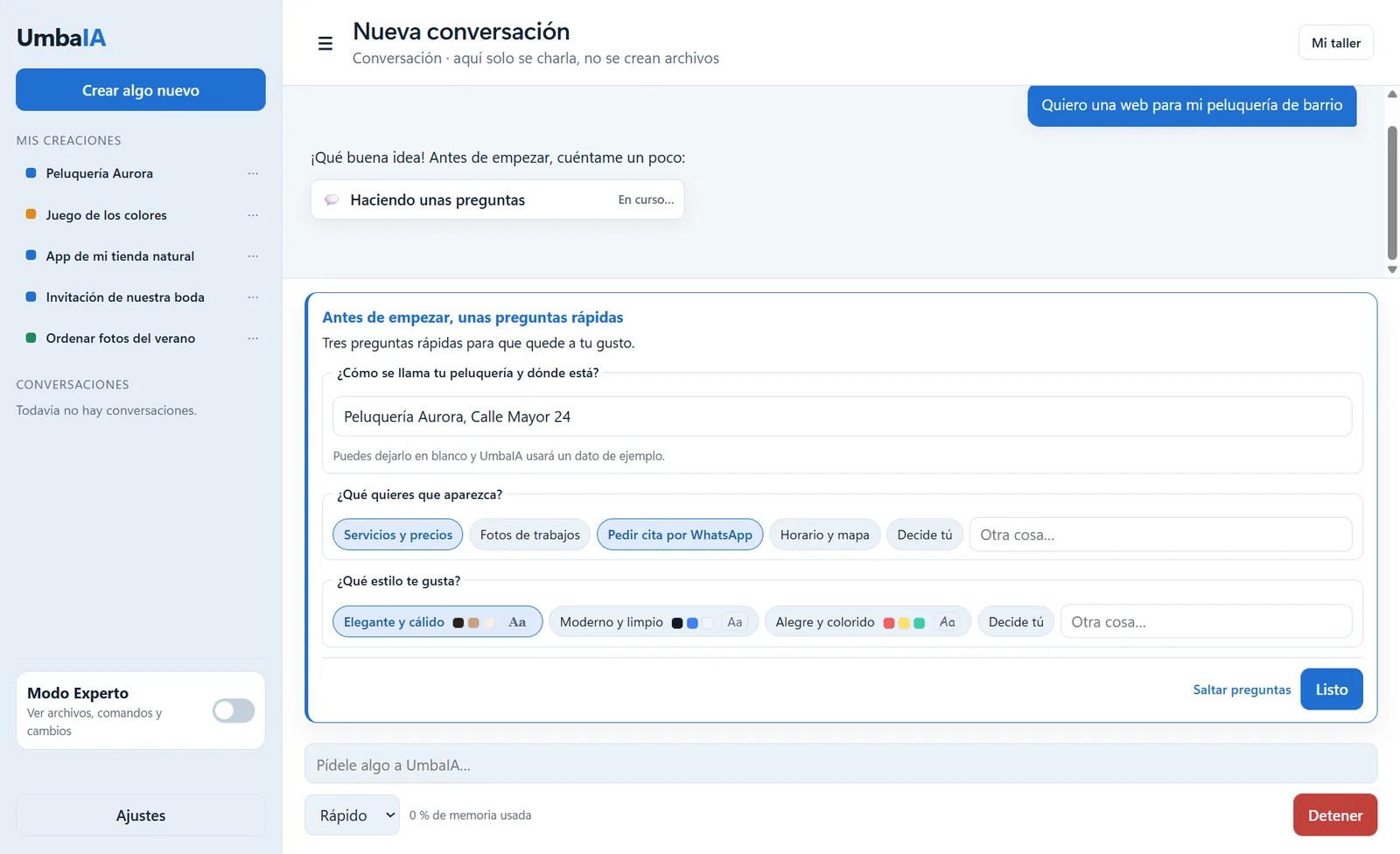
It builds it on your computer, tests it and shows it to you. You can ask for changes and go back to any earlier version.
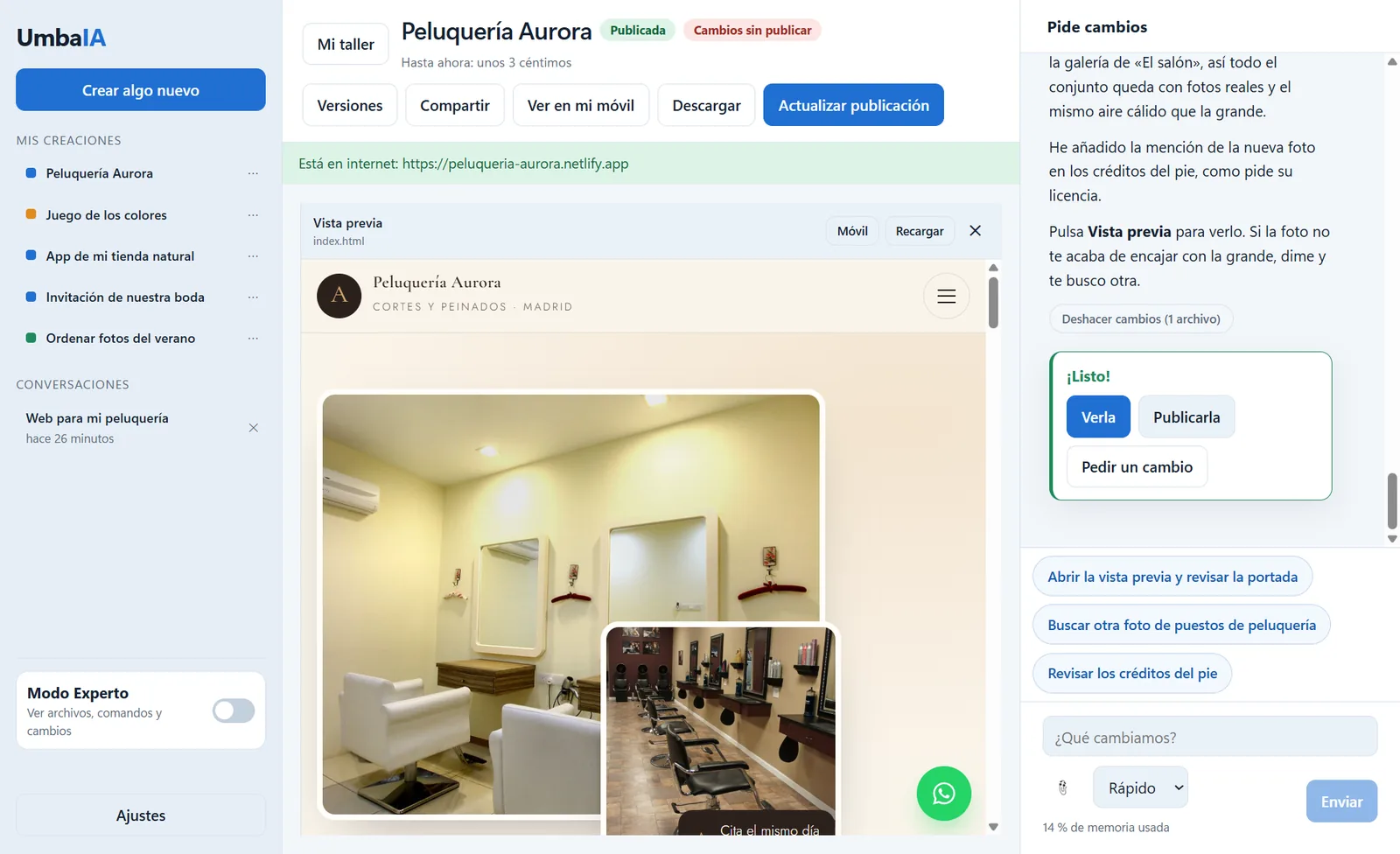
With one button it's on the internet and you can share it on WhatsApp. With your own domain too, if you want.
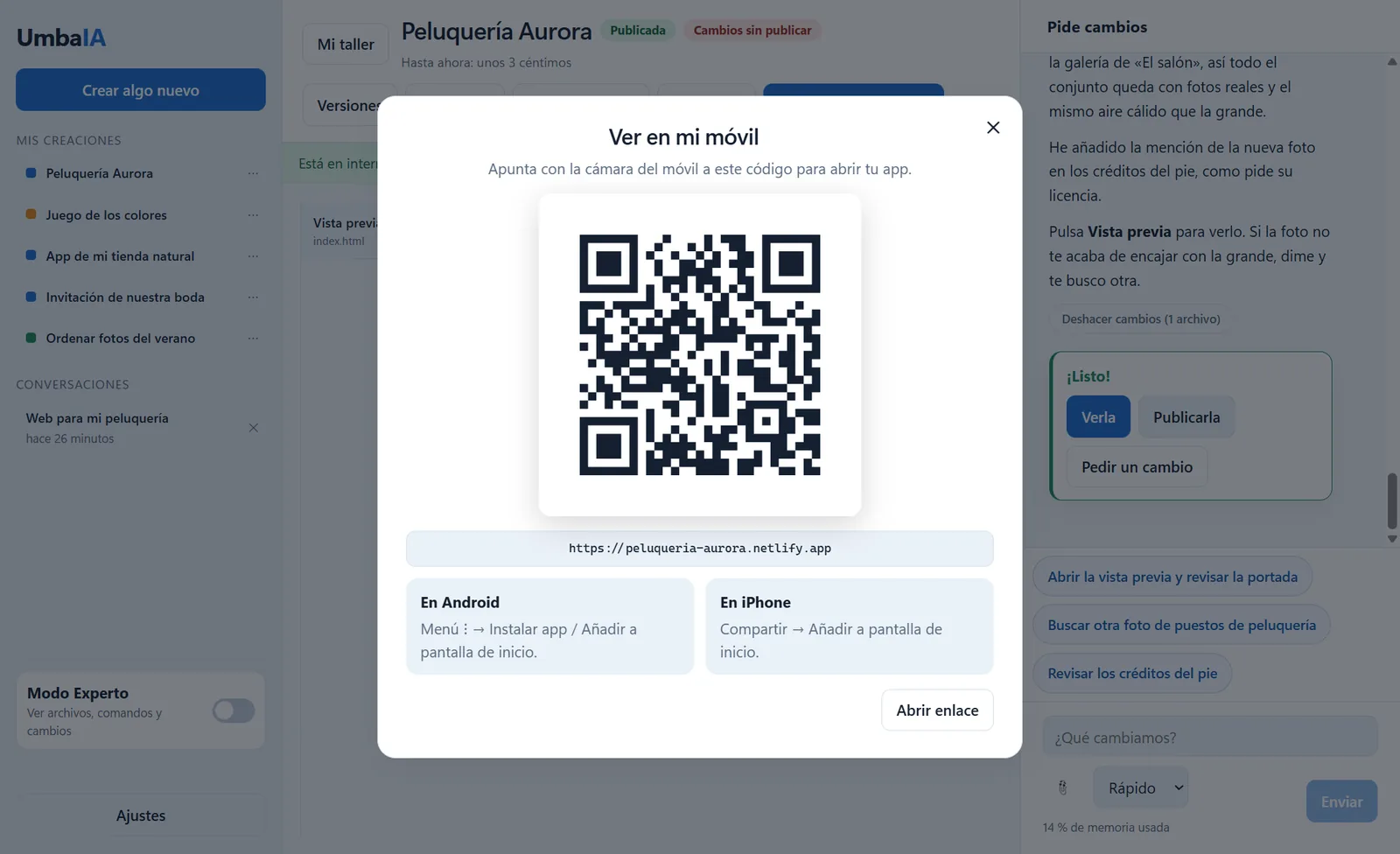
A real example
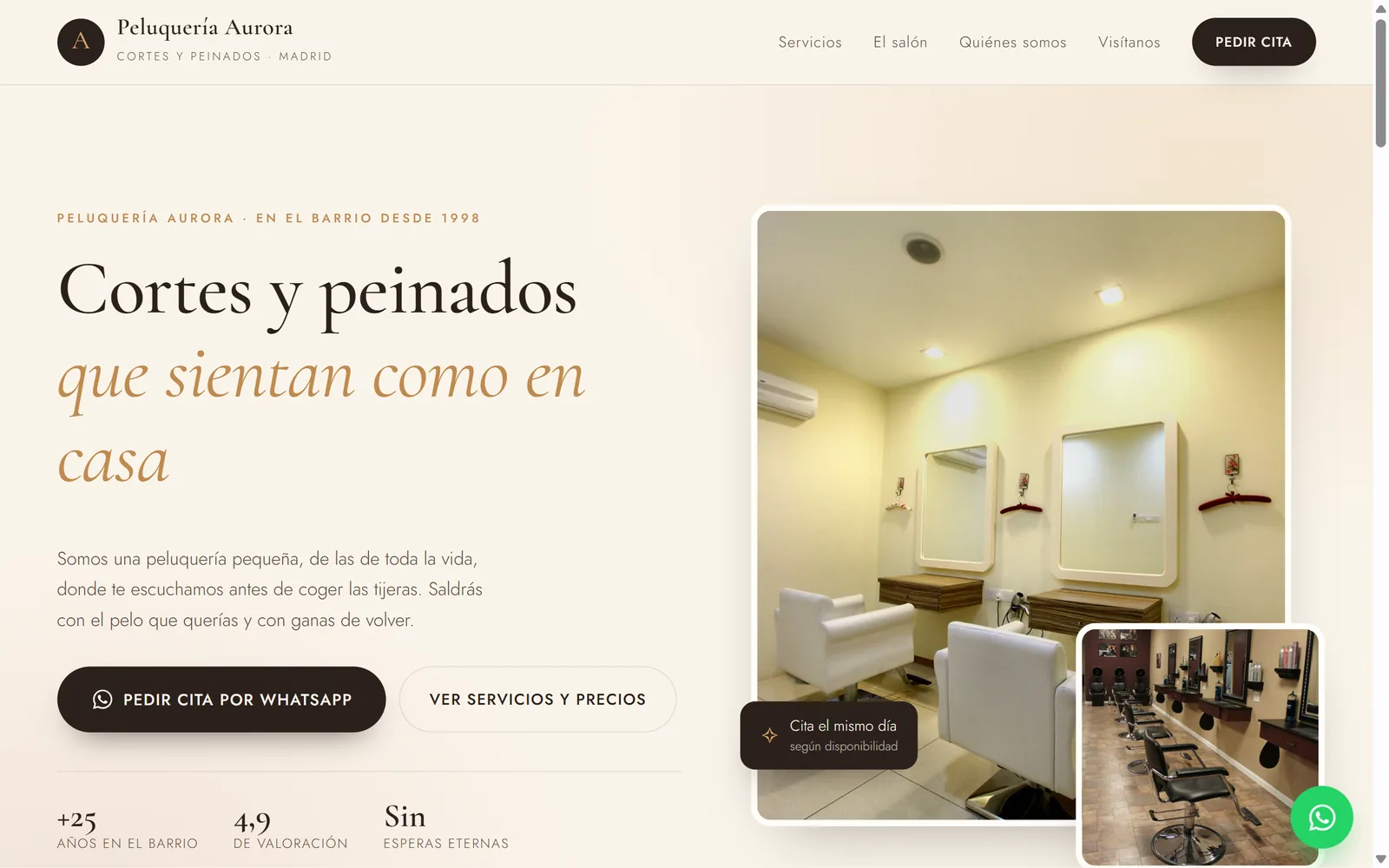
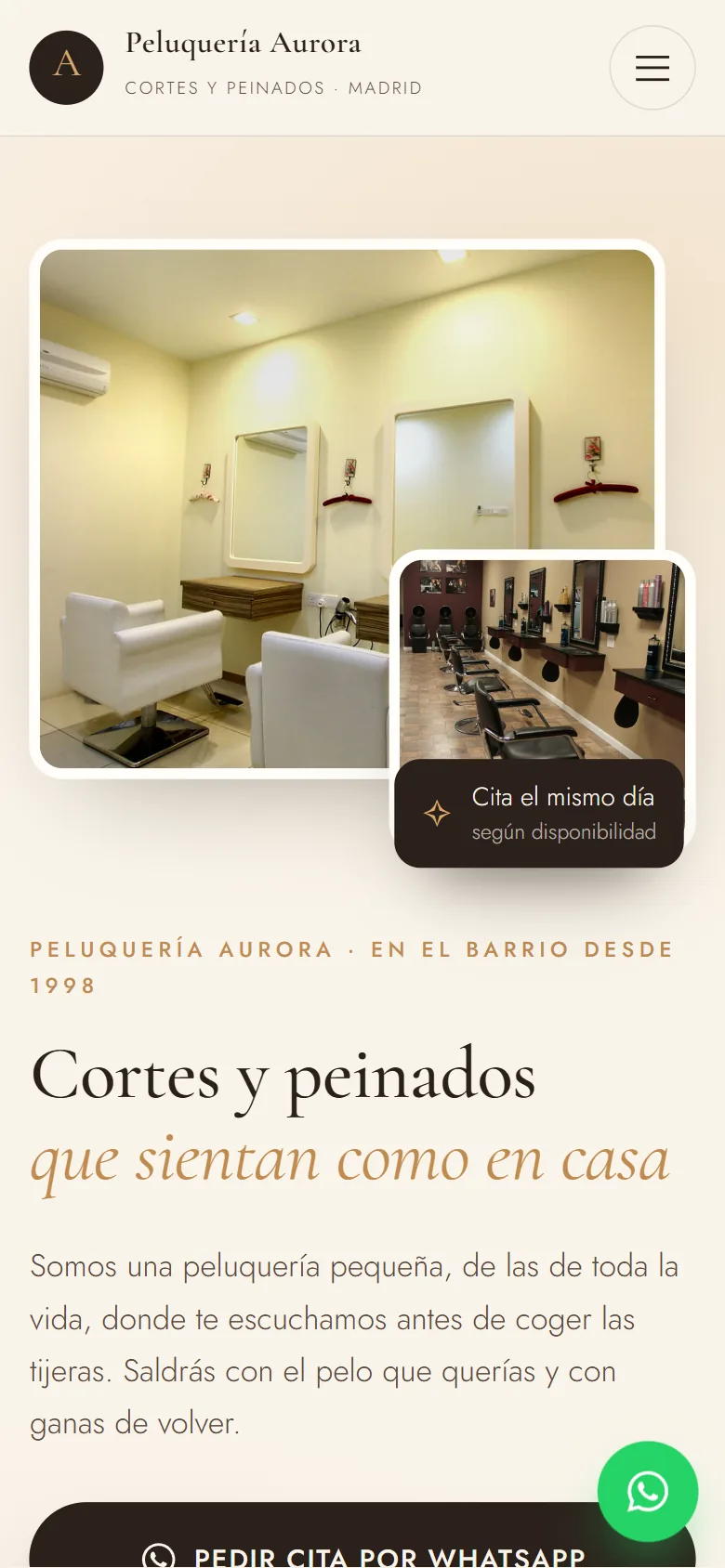
UmbaIA made this website in a few minutes.
Services and prices, photos of the salon and a button to book on WhatsApp. And it looks just as good on a phone.
Why UmbaIA
You don't need to know anything about technology: tell me in your own words and it appears, done.
Every change is saved as a version: go back to the one you liked best whenever you want.
Everything stays on your computer, not in anyone's cloud.
You use your own DeepSeek account: making something simple costs a few cents.
I explain every step and never ask you to touch code.
Privacy, no small print. What you ask for and the files the assistant reads are sent to DeepSeek to generate the answer. Your key is stored encrypted, only on your computer.
Pricing
No commitment: cancel whenever you like and keep Pro until the end of the period you've paid for.
Free
0 €
Pro
4,99 €/month
Launch offer: 30 % off your first payment with the code LANZAMIENTO, until 29 November 2026.
The artificial intelligence (DeepSeek) is paid separately, straight to them, depending on what you use: a few cents per creation.
Frequently asked questions
Short answers. And if you still have a doubt, at the end you'll find how to write to me.
UmbaIA is an app for Windows that builds websites, games and tools from what you tell it, without knowing how to code. It works on your computer with your files and publishes online with one button.
What you create are your own files: you're not tied to any hosting. You can publish it for free in your own Netlify or Cloudflare account and, if you want, with your own domain. Besides websites, UmbaIA makes games and tools that work with your photos and documents. And the artificial intelligence is paid at cost price, with your own DeepSeek account: a few cents per creation, plus a cheap Pro plan.
No. You tell it your idea in your own words and UmbaIA takes care of the rest. You don't need to learn to code.
A computer with Windows 10 or 11 and a DeepSeek account with a few euros of credit (2 to 5 € is enough to start). UmbaIA guides you step by step.
The app is free to start and your first creation costs nothing. Pro costs 4,99 €/month or 49,90 €/year (2 months free with the yearly plan). Launch offer: 30 % off your first payment with the code LANZAMIENTO, until 29 November 2026. The artificial intelligence is paid separately to DeepSeek, depending on what you use.
For now only on Windows 10 or 11. There's no Mac version or mobile version yet. What you make does look good on a phone.
Yes. Your files stay on your computer, not in anyone's cloud.
What you ask for and the files needed for each task. Your key is stored encrypted, only on your computer.
Yes. With one button it's on the internet, for free. With Pro you also get your own domain.
Yes: apps that install from a link on Android and iPhone. With Pro you can also turn them into an Android app.
Umba means “to create” in Swahili. And that's what it does: help you create. The “IA” is Spanish for AI: the artificial intelligence that makes it possible.
Windows 10 and 11
Free to start · Windows 10 and 11 · You need a DeepSeek account (the app helps you create one)
Any questions? Write to me at hello@imrosen.eu